Activity Status Summary
Activity Status Summary allows depots to view the status of containers at various stages in a Depot. Availability of this critical information in an almost Near Real Time basis enables depots to plan their activity better. The depots can find containers which are Awaiting Estimation, Approval, Repair Completion and Gate Out at a click of a button. From here the depot can directly complete a job or create a report.
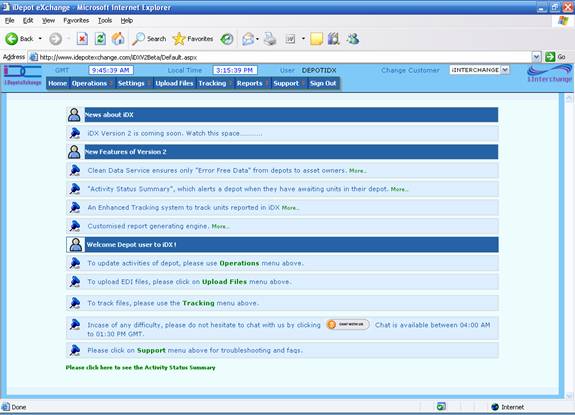
By clicking on to the message “Please click here to see the Activity Status Summary” the Activity Status Summary page will be displayed.
The Activity Status Summary page will be as shown displaying the Customer Code along with the number of awaiting units for each activity.
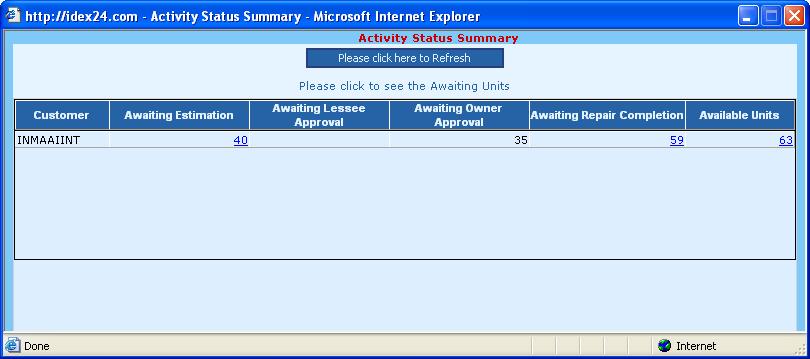
The user can select the awaiting unit to perform the required operation. By clicking the number 37 below Available Units heading, the user is able to perform a Gate Out for some units.
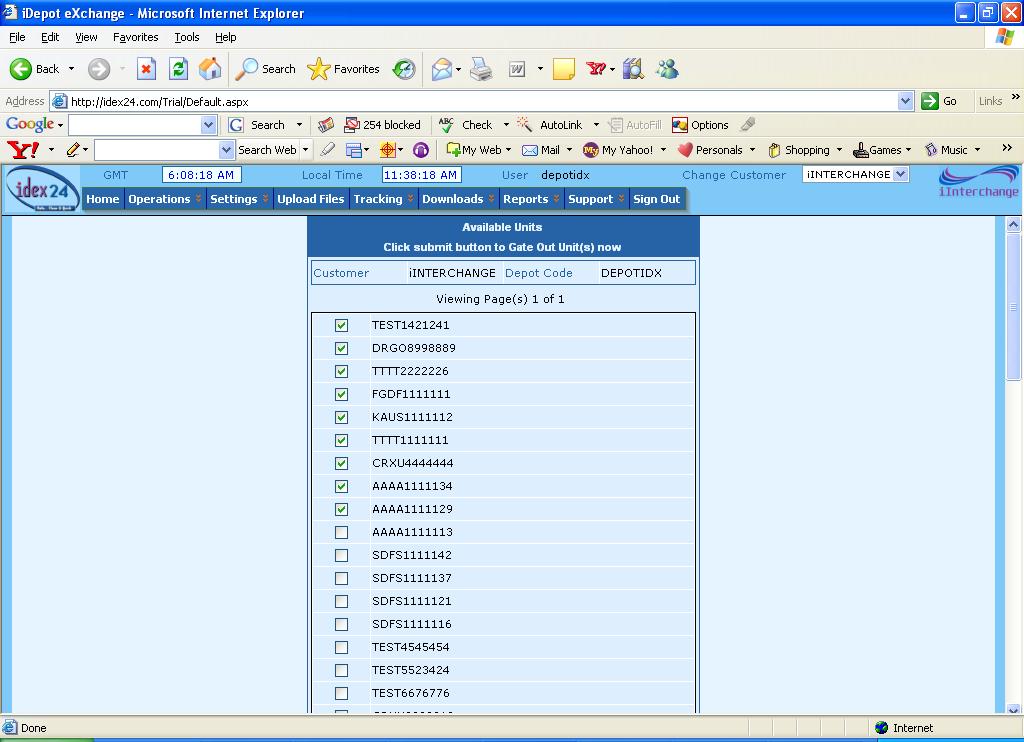
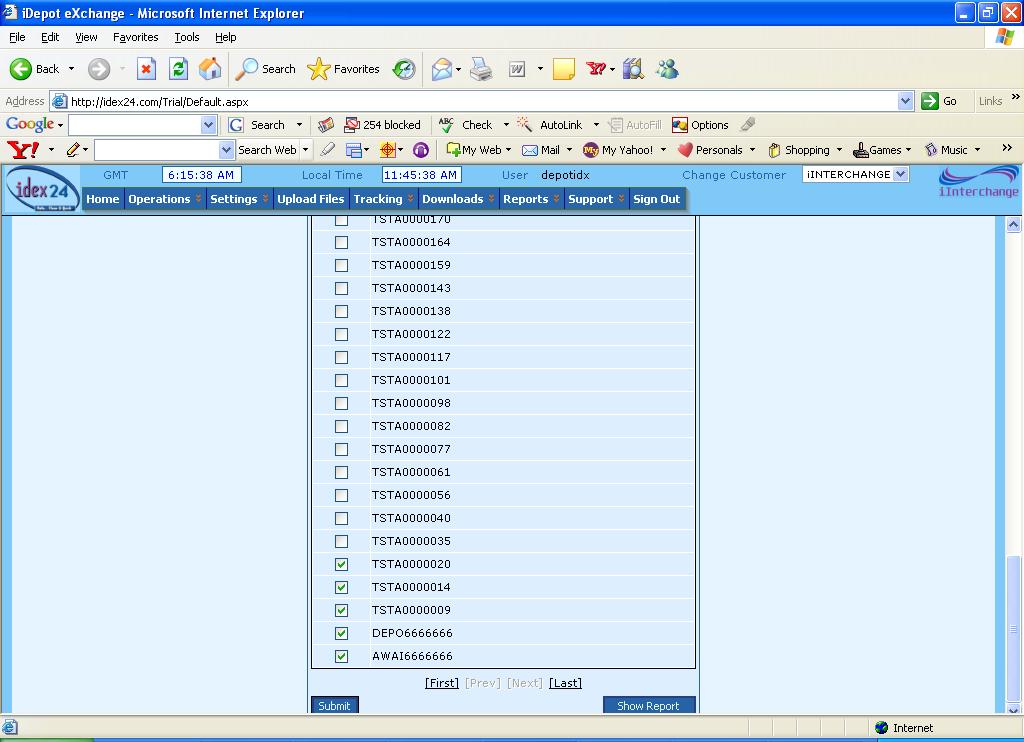
On clicking the number for Available Units, all the units that are in status Available will be displayed. The required unit(s) can be chosen by ticking the corresponding checked box and the “Submit” button can be pressed.
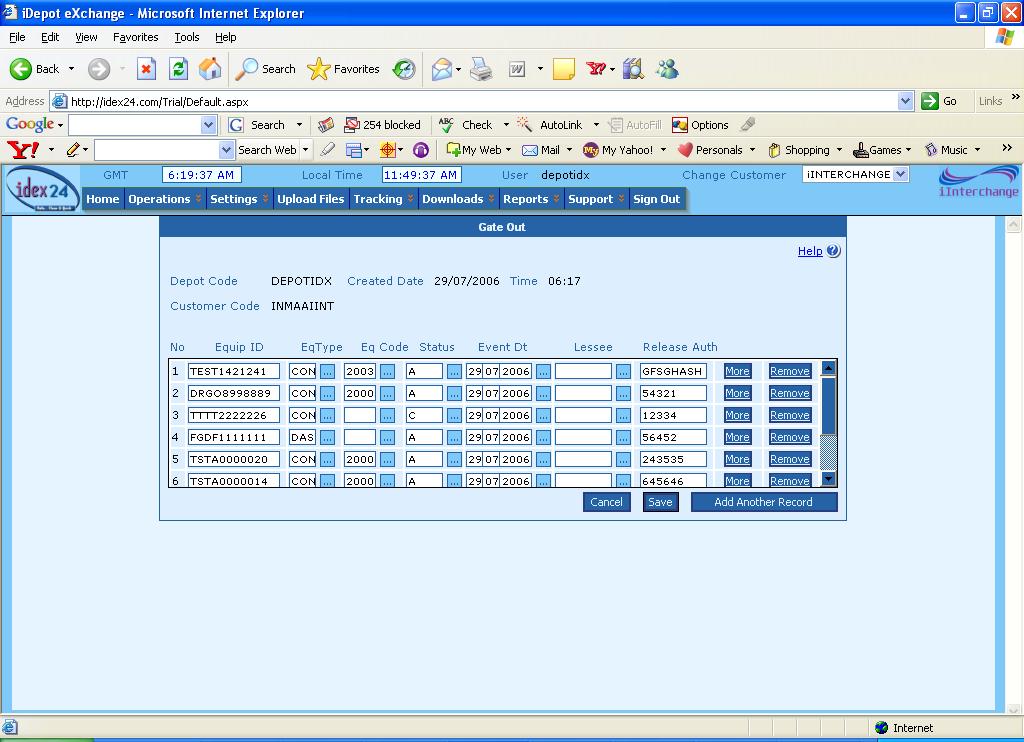
The “Submit” button will display the Gate Out page for that unit that was chosen.
The “Show Report” button will display the report for that unit if the check box is ticked, otherwise if the check box is not ticked it will display all the Reports for the activity that was chosen.
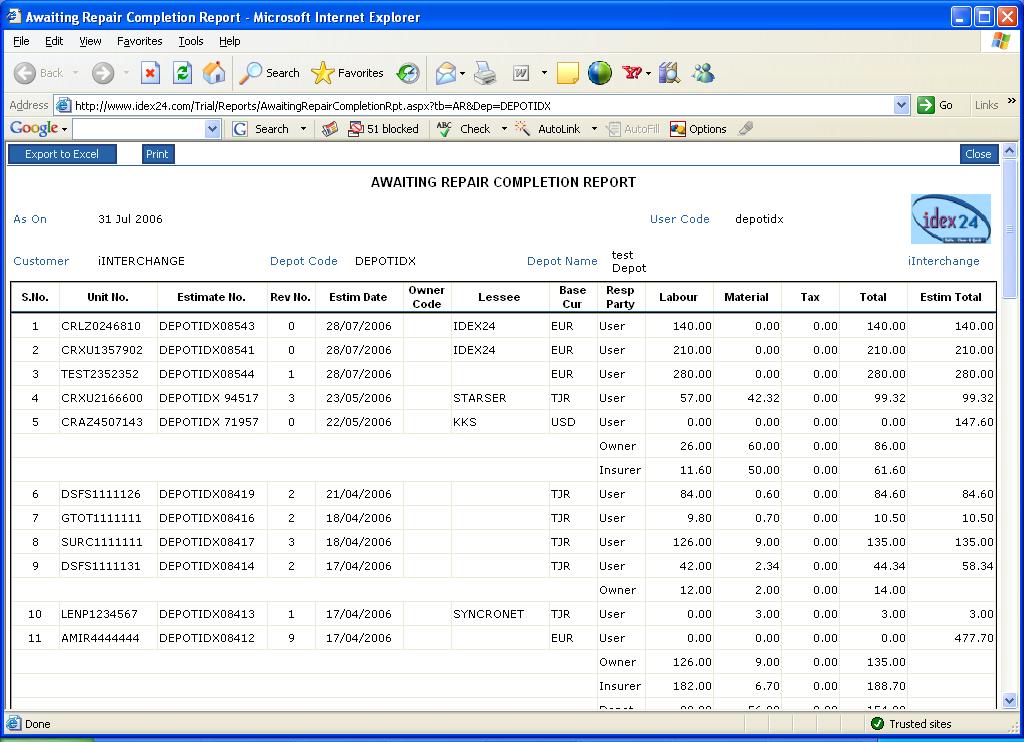
The same can be done for Estimates, Lessee Approval & Repair Completion